
English TV abroad
English IPTV for viewers living abroad
Moved for work, retired somewhere sunnier, or studying overseas? English-language channels, movies and series help home feel a little closer. Here’s how English IPTV works when you live outside an English-speaking country, and what to check first.
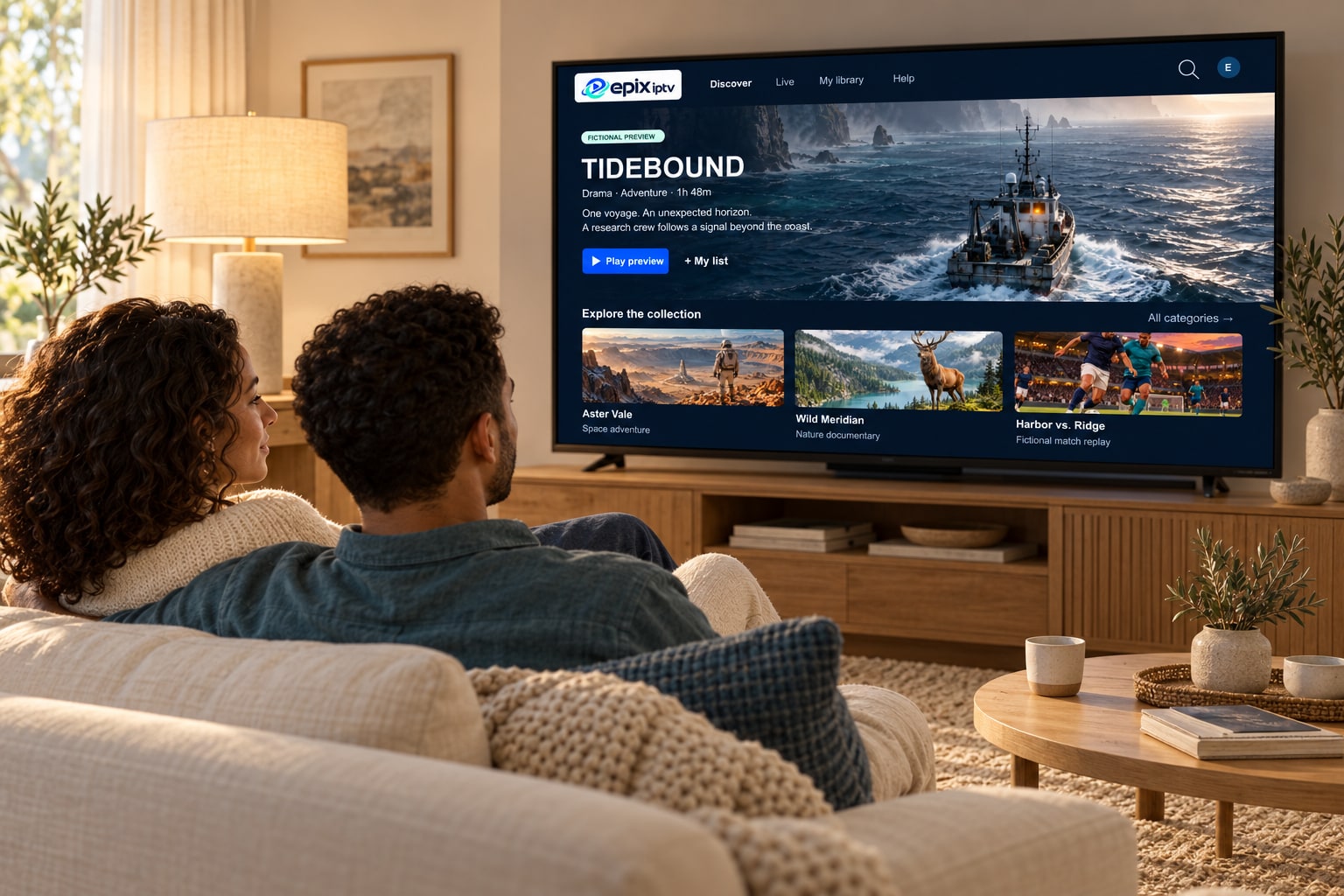
Viewers abroad
Who English IPTV helps most
Three common situations.
-
Expat households
Living in Europe, watching in English
Local TV is great for learning the language, but at the end of the day many families want news, drama and kids’ shows in English.
Tip: group English channels into one favorites list so the whole family finds them fast.
-
Retirees
Familiar programs on a simple setup
A Smart TV app or a single streaming stick, one remote and a clear TV guide. No satellite dish to align.
Tip: ask us for an app with large, simple menus.
-
Students & workers
A laptop and a phone are enough
No TV in the flat? Watch on a laptop or phone, then take the same login with you when you move.
Tip: use Wi-Fi to keep mobile data costs down.
Content
What English-language viewing covers
Exact channels change over time, so we check your list before you order. These are the kinds of content English speakers usually look for.
News in English
National and international news channels to keep up with home and world events.
Entertainment
Drama, comedy, quiz and reality channels from English-speaking countries.
Kids in English
Cartoons and children’s channels, useful for bilingual families.
Sport with English commentary
Sports channels and events with English-language commentary where available.
Practical tips
Getting the TV guide right in another time zone
The most common question from viewers abroad is “why is the guide an hour off?” Channel guides are published in the broadcaster’s local time. Most player apps can shift them to yours.
Open the player’s settings
Look for “EPG”, “TV guide” or “Time shift”.
Set your local time zone or offset
For example, +1 hour if you live in Central Europe and watch UK channels.
Refresh the guide
Run “Update EPG” once so the new times load.
Paying from abroad
Prices are in euros, which suits most of Europe. If your bank card is in pounds, dollars or another currency, your bank converts the amount automatically. Support is in English by WhatsApp and email.
Good to know
- Broadcast rights differ from country to country. Please use the service in line with the laws where you live.
- Some events are only offered in certain regions; ask us before a big match or final.
- A stable connection matters more abroad, where homes often rely on Wi-Fi extenders. Use a cable where you can.
English IPTV questions
Can I watch English channels outside the UK, US or Ireland?
Epix IPTV works over the internet, so it isn’t tied to a satellite footprint. Tell us which English-language channels you want and where you live, and we’ll confirm what’s available.
Do I need a VPN to watch English IPTV abroad?
No VPN is needed to use Epix IPTV. Always follow the laws of the country where you live.
Can I take my subscription with me when I move?
Yes. Your login works wherever you have a good internet connection. Just install the app on your devices in the new home.
Are subtitles available?
Subtitles depend on what each channel or title provides. Many on-demand titles include subtitle tracks you can switch on in the player.
Which channels do you miss from home?
Send us the list and the country you live in. We’ll check each one and recommend the simplest setup for your TV.