
Compatibility
Devices that work with Epix IPTV
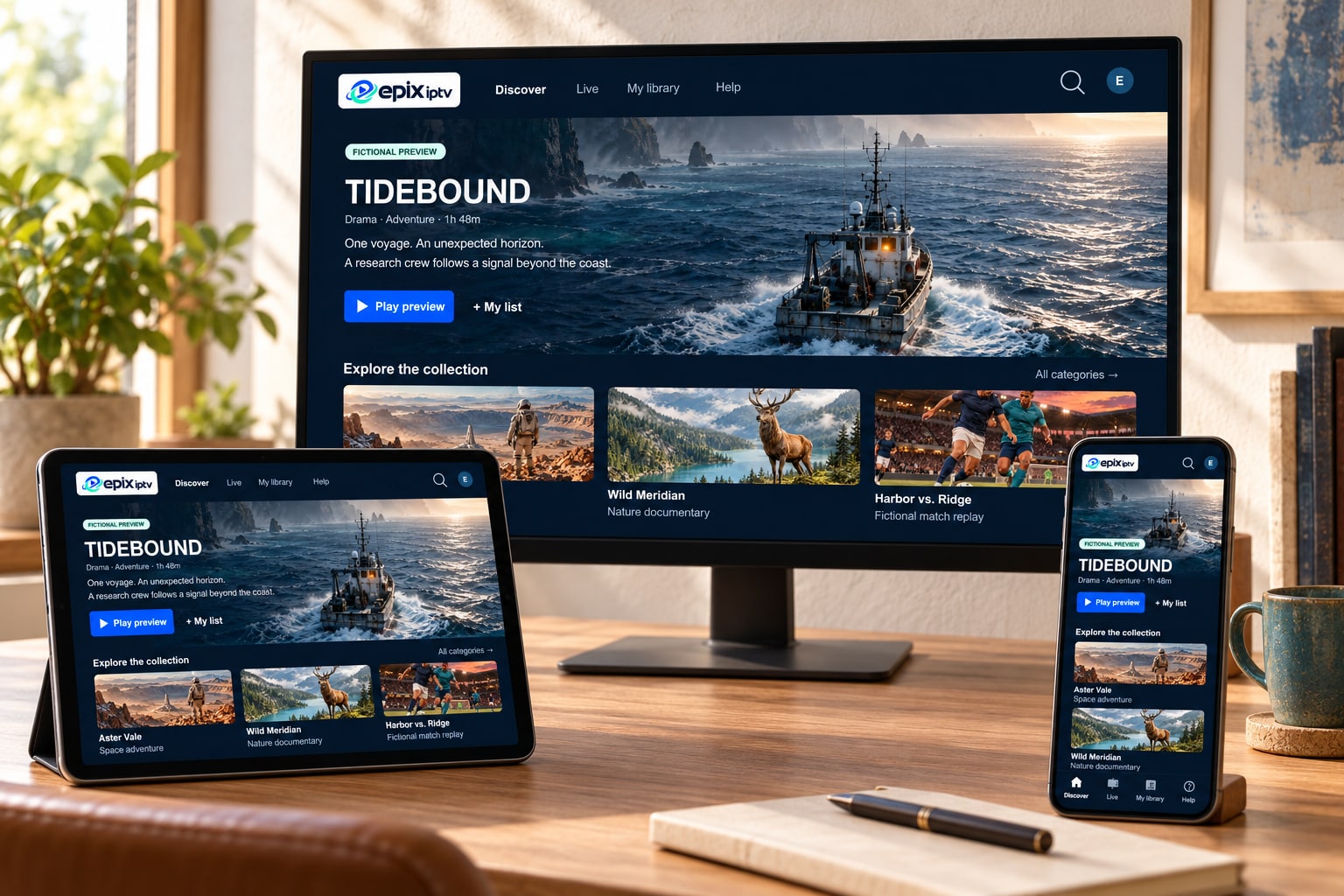
Epix IPTV runs in a player app, so it works on most screens made in the last few years: Smart TVs, streaming sticks, Android and Apple devices, and computers. Find yours below, or send us the model number for a definite answer.
Overview
Compatibility at a glance
What each device needs, where the app comes from, and where to find the full guide.
| Device | Works well with | App comes from | Watch out for | Guide |
|---|---|---|---|---|
| Smart TV | Samsung (Tizen), LG (webOS), Google TV / Android TV sets from roughly 2018 onward | The TV’s own app store | Older sets with no suitable app | Smart TV guide |
| Fire TV | Fire TV Stick 4K, 4K Max, Fire TV Cube | Amazon Appstore | Entry-level sticks on weak Wi-Fi | Fire TV Stick guide |
| Android | Phones, tablets, Android TV boxes, Google TV streamers | Google Play | Unbranded boxes without updates | Android guide |
| Apple | Apple TV 4K / HD, iPhone, iPad | App Store | Paid player apps (developer fee) | Apple TV guide |
| Computer | Windows and macOS | Official app websites or stores | General media players lack a TV guide | Installation guide |
| Other | IPTV set-top boxes, Android projectors | Depends on the device | Ask us before ordering | Ask on WhatsApp |
Guides
Step-by-step guides by device
Each guide covers app choice, sign-in and the settings that make the biggest difference on that device.
Quick check
Check your device in one minute
Not sure what you have? These four steps give us everything we need to confirm compatibility.
Find the model number
On a TV it’s on a sticker on the back, or in Settings → Support → About. On a stick or box, look in Settings → About.
Note the software version
It’s on the same About screen. Install any pending update while you’re there.
Open the device’s app store
If your device has Google Play, the Amazon Appstore or the App Store, you’re almost certainly fine.
Send us the details
Message the model and version on WhatsApp. We’ll confirm and suggest the right app.
Devices we don’t recommend
- Very old Smart TVs whose app store no longer gets updates. A streaming stick is cheaper than frustration.
- Unbranded “fully loaded” boxes with pre-installed unknown apps. They often stop receiving security updates.
- Game consoles: player app choice is very limited.
- Entry-level sticks on distant Wi-Fi: fine for movies, but live sport can stutter.
Our honest recommendation
If you’re buying something new for Epix IPTV, a Fire TV Stick 4K Max or an Apple TV 4K on a wired or strong 5 GHz connection gives the smoothest live TV for the money. If your TV already has Google TV built in, you probably don’t need anything extra.
Read our blog guide on choosing a streaming device for IPTV.
Device questions
Can I use Epix IPTV on several devices?
Yes, you can install the app on as many of your own devices as you like and switch between them. How many can watch at the same moment depends on your plan; ask us if you need more than one screen at once.
Does it work with a Roku?
Player app choice on Roku is very limited, so it’s not a device we recommend for IPTV. A Fire TV Stick or Google TV streamer is a better option.
Can I use a VPN on my device?
A VPN isn’t needed. If you already use one, choose a nearby server so it doesn’t reduce your speed.
Do I need 4K equipment?
No. HD and Full HD look great on most TVs. For 4K you need a 4K TV, a 4K-capable device and about 30 Mbps of internet for that screen.
Send us your model number
We’ll confirm whether it works and which app to install, before you pay anything.