
On demand
Movies and series on Epix IPTV
Alongside live TV, every plan includes an on-demand library of movies and series. Start an episode when it suits you, pause it, and pick up where you left off. Here’s how the library works and how to find what you want.

The library
Browse by genre
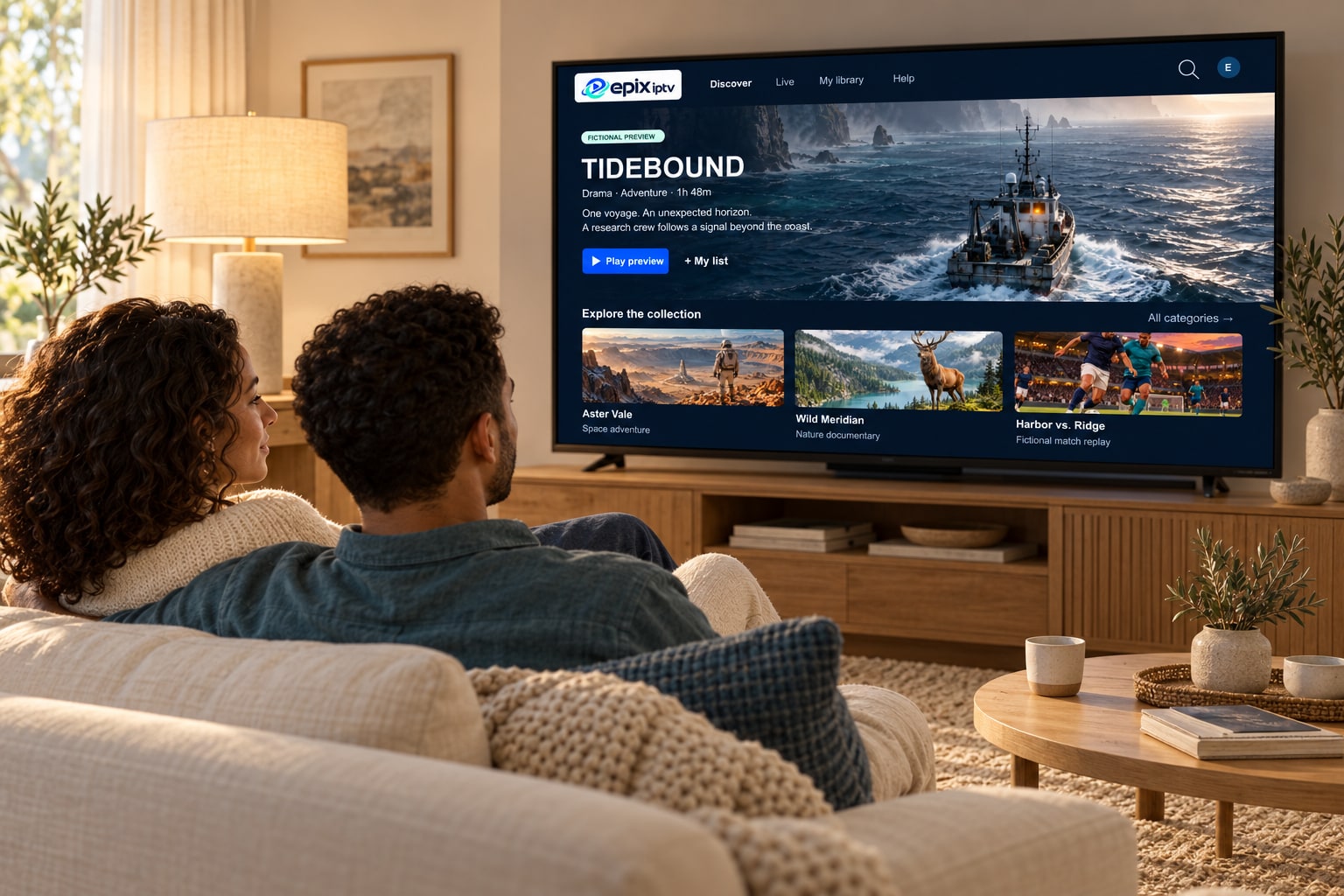
The library is organized into categories in your player app. These preview artworks are fictional and show the kinds of stories you’ll find.



“Tidebound”, “Aster Vale”, “Wild Meridian” and “Harbor vs. Ridge” are fictional titles created for illustration. The library’s actual titles change over time; ask us to check any title you’re looking for.
In the app
Finding something to watch
Most player apps offer the same handy tools. Exact names vary by app.
Search
Type a few letters of a title. Searching is much faster than scrolling long categories on a TV remote.
Favorites
Save movies and series to a favorites list to build your own watchlist.
Resume playback
Many apps remember where you stopped, so you can continue an episode later.
Seasons and episodes
Series are grouped by season, with episodes listed in order.
Audio tracks
Some titles include several languages. Switch the audio track from the player menu during playback.
Subtitles
Where a title includes subtitles, turn them on from the same menu. Availability varies by title.
Movie night
Picture and sound for movie night
On-demand titles are often more forgiving than live TV, because the player can buffer ahead. For the best experience:
- Choose the highest quality version listed when your connection allows it.
- Give the title a few seconds to buffer before skipping ahead.
- On a soundbar or AV receiver, check the player’s audio passthrough setting.
- Dim the lights and switch the TV to its movie or filmmaker picture mode.
Movies and series questions
How often is the library updated?
Titles are added and refreshed regularly, and some may leave the library over time. If you’re looking for something specific, ask us.
Why can’t I see the movies section?
You probably signed in with an M3U link. Re-add your account using the Xtream Codes login option to load movies and series.
Can I download episodes to watch offline?
Epix IPTV is a streaming service, so titles are watched online. Offline downloads are not part of the service.
Are movies available in 4K?
Some titles are offered in 4K, many in Full HD. The player shows the available versions.
Looking for a particular movie or series?
Send us the titles you want to watch. We’ll check the library and tell you before you order.