
Choosing a Streaming Device for IPTV: Stick, Box, Smart TV or Apple TV?
Smart TV app, Fire TV Stick, Android box or Apple TV? A practical comparison of what each device is good at, and which one to pick for live TV.
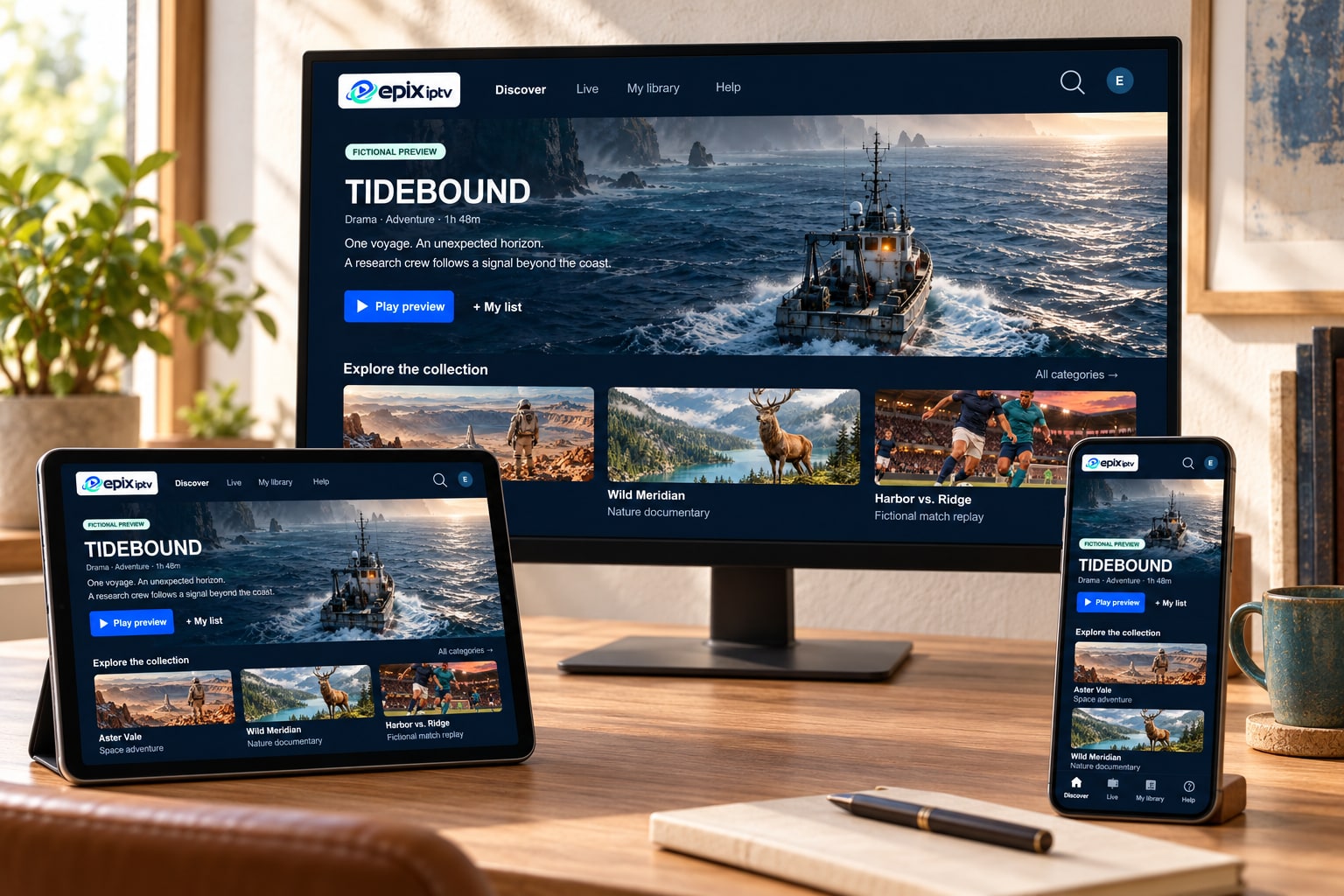
You don’t need new hardware to watch IPTV. Most people already own something that works. But if your TV is slow, old or missing apps, the right streaming device can make live channels start faster and stay smoother. Here is how the main options compare, based on the setups our support team sees most often.
Your Smart TV’s own apps
Best for: households that want one remote and no extra box.
Recent Samsung, LG and Google TV sets can run a player app straight from the TV’s app store. The picture goes directly to the panel, so there is no extra cable or power supply. The trade-off is that TV processors age quickly. A set from five or more years ago may run apps slowly or lose app support entirely. See our Smart TV IPTV guide for model-specific tips.
Fire TV Stick or Fire TV Cube
Best for: an affordable upgrade for any TV with an HDMI port.
A Fire TV Stick plugs into the TV and brings a modern app store with it. Choose a 4K or 4K Max model if you can. They have faster processors and better Wi-Fi than the entry-level stick, which matters for live sport. Plug it into mains power using the supplied adapter, not a TV USB port. Setup steps are in the Fire TV Stick guide.
Android TV and Google TV boxes
Best for: people who want the widest choice of player apps and an Ethernet port.
Android-based boxes, and TVs with Google TV built in, give you access to Google Play and, on most boxes, a wired network connection. A wired connection is the most reliable way to stream live TV. Pick a box from a known brand that still receives security updates, and avoid boxes sold “fully loaded” with unknown apps. Read the Android IPTV guide for more.
Apple TV 4K
Best for: households already using iPhone and iPad.
Apple TV 4K is fast, quiet and well supported for years after purchase. Player apps from the App Store tend to be polished, and the Ethernet model (on the 128 GB version) gives you a wired connection. It costs more than a stick, but it rarely feels slow. See the Apple TV IPTV guide.
Phones, tablets and computers
Great for watching in another room or while traveling. Phones and tablets use the same player apps as TVs. Many can also cast to a TV, though casting adds a step that can drop the connection. On a computer, a desktop player that opens M3U playlists works well for occasional viewing.
Quick comparison
- Lowest cost: your existing Smart TV, then a Fire TV Stick.
- Most reliable for live sport: any device on a wired Ethernet connection.
- Longest software support: Apple TV 4K.
- Most app choice: Android TV or Google TV.
Not sure what you have?
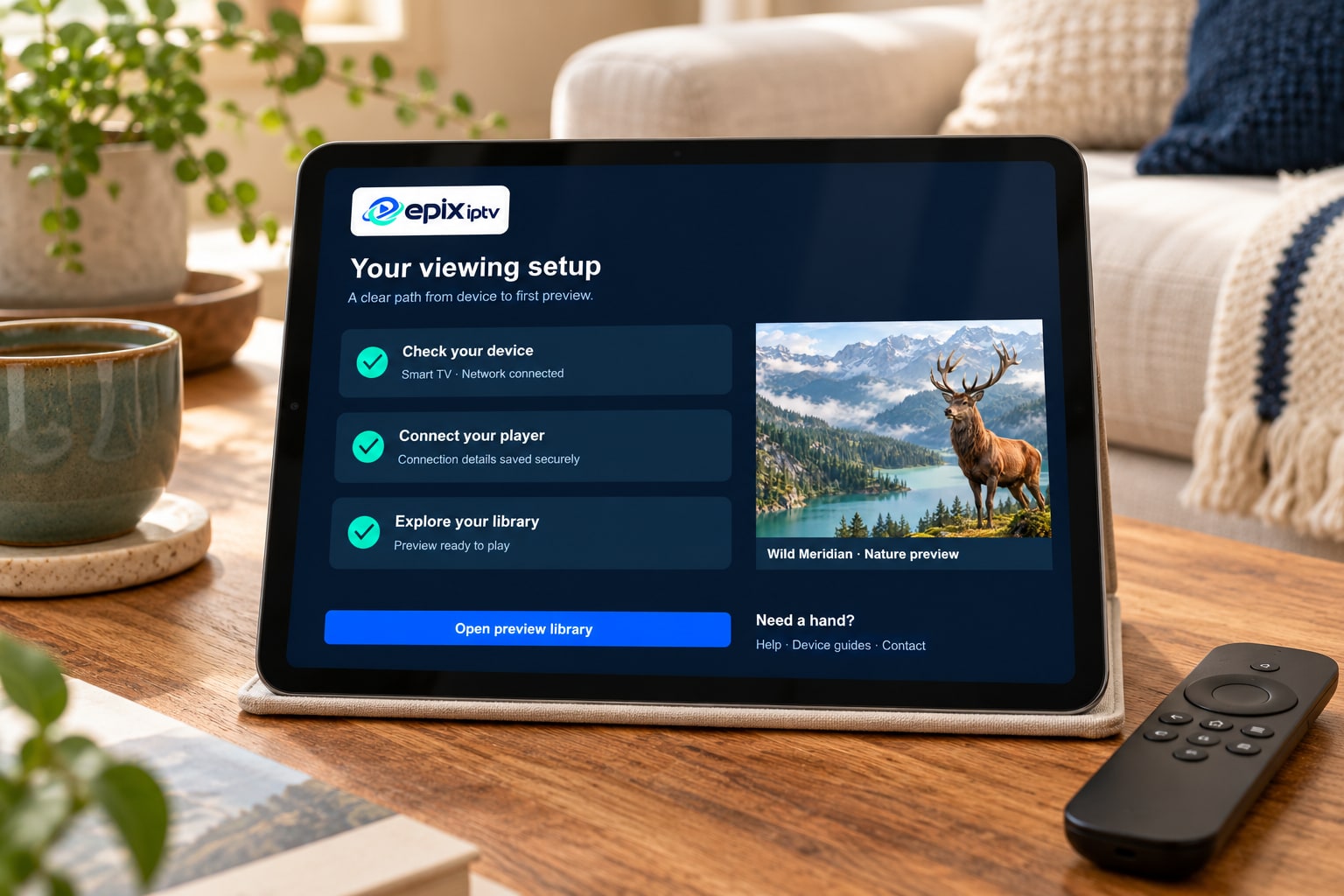
Send us the model number. It’s usually on a sticker on the back of the TV or in Settings → About. We’ll tell you whether it works with Epix IPTV before you pay anything. The full list is on our compatible devices page.
Comments